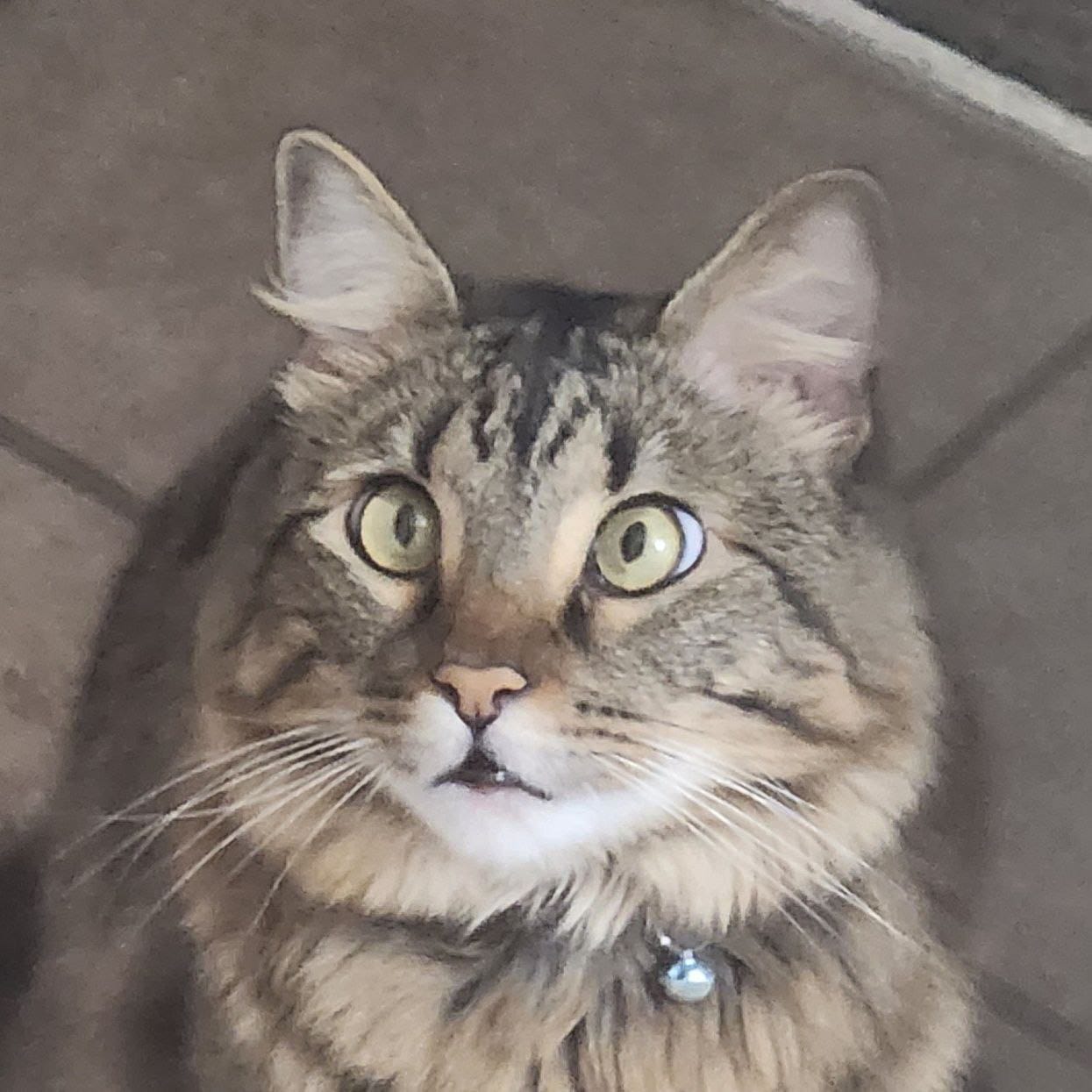
 CATSOSKE
Welcome to CATSOSKE
Where chaos has whiskers and the blockchain purrs. 🐾
Join the litter, honor the legend, and let’s meme Soske to the moon! 🌕😼 This isn’t just a coin. It’s a meow-ment, a fur-nomenon, and a whisker fueled rebellion against boring tokens.
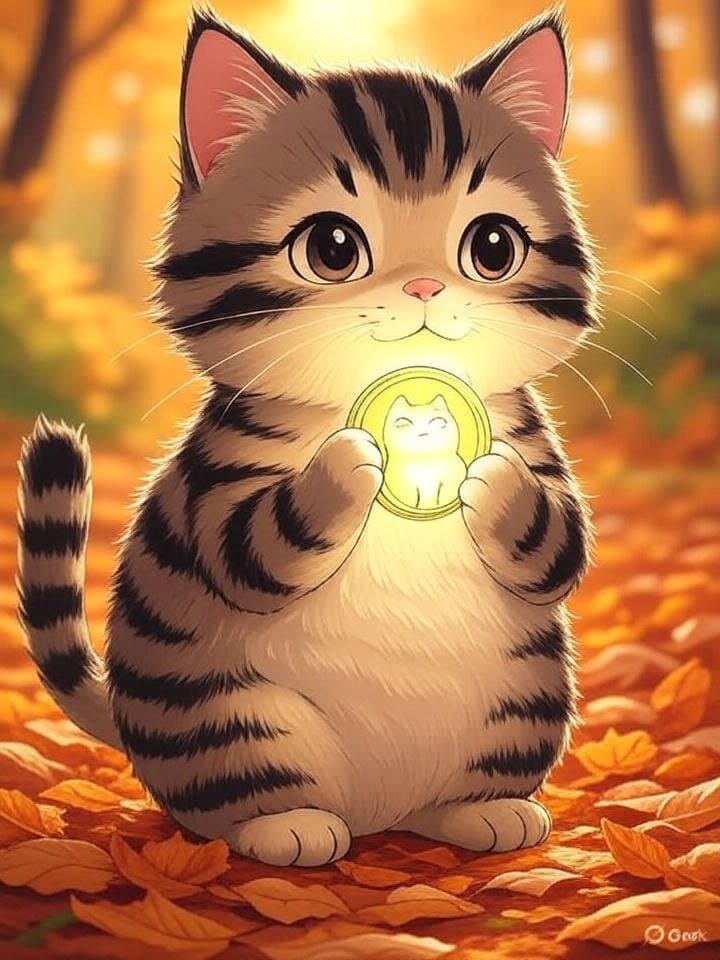
With every $CATSOSKE in circulation, we keep Soske’s sass, fluff, and absolute disregard for personal space alive.🔥😺
Contract Address:
bVdf3Q1oVM1yVXLCUiDZb6p5XFefkL2LgHi4fBDmoonHow to Buy Catsoske on Moonshot
1
Install the Moonshot App
Download Moonshot from the App Store or Google Play. It's a self-custodial wallet with Fiat on-ramp via Apple Pay, cards, or bank transfers.Click here to download.
2
Create and Fund Your Wallet
Sign up with email and enable Face ID/PIN security. Add funds in USD or crypto (SOL, USDC) using Apple Pay, credit card, PayPal, or transfers.
3
Connect & Explore Tokens
Tap “Connect” or navigate to the discovery tab. Browse trending or new tokens. Search specifically for CatSoske ($CSK) by name.
4
Buy Catsoske
Open Moonshot’s token page in the app. Enter the USD or SOL amount you want to spend. Tap “Buy”, then approve the on-chain transaction.
5
Manage Your Holdings
Catsoske appears in your portfolio with live charts (price, volume, market cap). You can sell anytime by using the “Sell” button on the token page.
Key Considerations
- Self-Custodial: You control your private keys; CATSOSKE doesn’t hold your funds.
- Trading Fees: Fees vary; larger amounts tend to have lower percentage fees.
- High Volatility: CATSOSKE ($CSK) is extremely volatile and low-cap. Be ready for wild price swings. Only invest what you’re comfortable losing.
Tokenomics
1B
Total Supply
0%
Tax
100%
Liquidity Burned